
Care updates get buried in the family group chat because urgent news, routine updates, and dinner photos all compete in the same stream. Sort every message into urgent, update, or FYI, write updates in three lines, and keep them in one shared place — and the news finally reaches everyone who needs it.
Say your mom has a doctor's appointment on Tuesday morning, and your sister takes her. The visit goes fine — one small change to a routine, a follow-up in two weeks, nothing scary. Your sister does the responsible thing and texts the family chat right away.
Then life happens. Someone sends a grocery list. Someone else replies with a photo. There's a short debate about Sunday dinner, a string of thumbs-ups, and a link nobody opens. By dinner, that careful update — the one thing everyone actually needed to know — is forty messages up, under all of it.
On Thursday, you show up and do the old routine, because you never saw the new one. Your sister is frustrated: "I told everyone." She's right. She did. The message just never stood a chance.
If you've lived some version of this, the problem isn't that your family doesn't communicate. It's that everything communicates the same way, at the same volume, in the same stream. A changed appointment and a dinner emoji should not have to compete.
How do I stop care updates from getting lost in the group chat?
The simplest fix I've found is embarrassingly small: before anyone sends care news, sort it into one of three buckets.
Urgent: someone needs to act today. A fall, a missed dose you're worried about, an aide who didn't show. This is the only bucket that deserves a phone call or a flurry of texts. If everything is urgent, nothing is — so protect this bucket fiercely.
Update: everyone needs to know, nobody needs to act right now. Appointment results, a changed routine, a new follow-up date. This is the bucket that gets buried most often, and it's the one that matters most day to day. Updates don't belong in a fast-moving chat. They belong somewhere written down, in order, where the next person covering can actually find them.
FYI: nice to know, safe to miss. Mom loved the new soup. The neighbor dropped off flowers. Send these wherever you like — just don't let them wear the same clothes as an update, or your family will learn to skim everything.
Naming the bucket out loud — "quick update, no action needed" — takes two seconds and changes how people read. Your siblings stop bracing for an emergency, and the news actually lands.
Write updates in three lines, every time
An update people can find is only half the win. It also has to be an update people can use. Try this three-line shape, and hold each other to it:
What happened. "Mom saw Dr. Patel's office this morning for her checkup."
What changed. "Evening routine moves half an hour earlier, and there's a follow-up in two weeks."
What's next. "I booked the follow-up. Whoever covers Thursday, please use the new time."
That's it. No backstory, no play-by-play of the waiting room, no decisions hidden in paragraph three. The next person to walk through the door can read three lines in twenty seconds and care for your parent the way your sister did on Tuesday — because the knowledge traveled, not just the text.
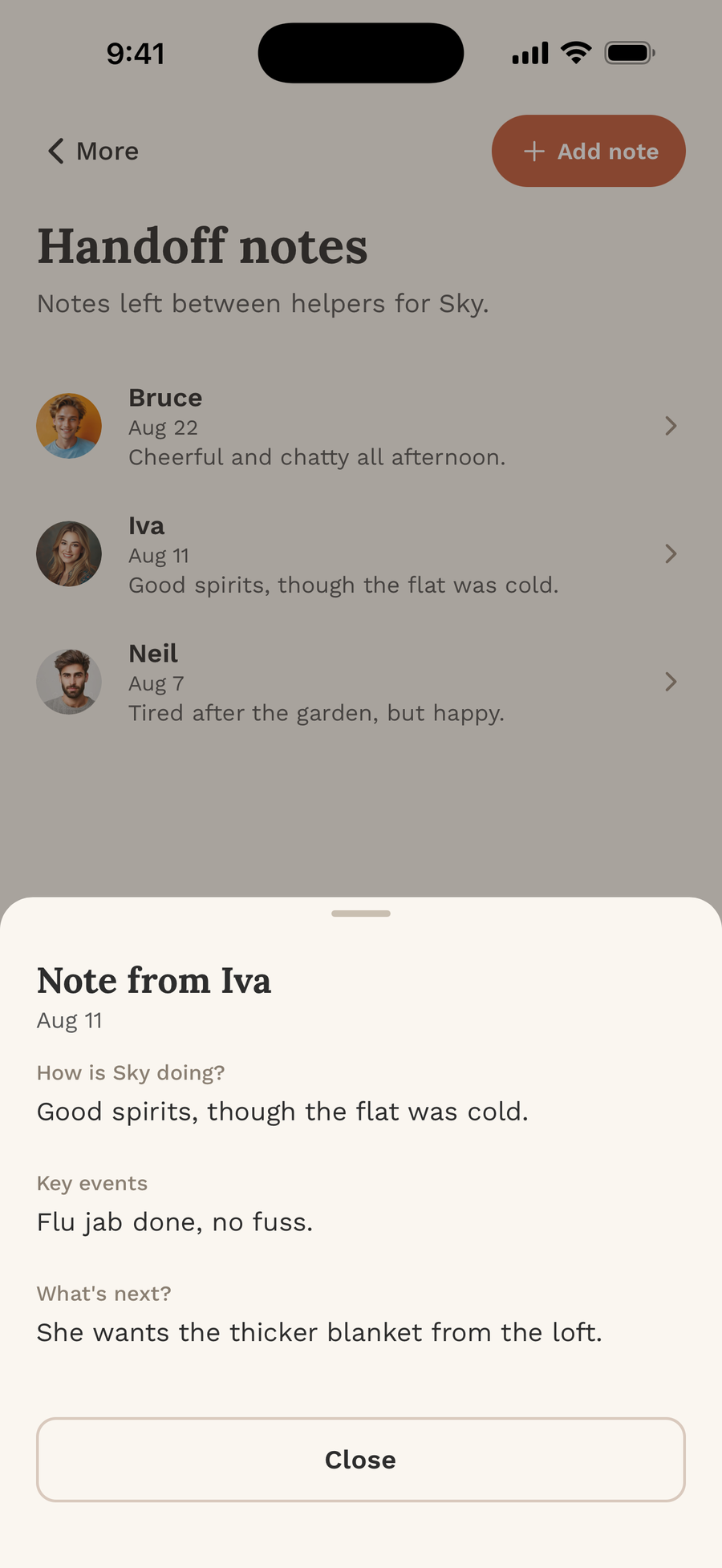
Where should family care updates live?
Here's the part families resist: you have to pick one home for updates and actually use it. Not the chat, plus a notebook on the counter, plus whatever someone remembers to mention on Sunday. One place.
When updates live in one place, something lovely happens to the group chat, too. It gets to go back to being a family chat — photos, jokes, dinner plans — because nobody has to treat it like a medical filing cabinet anymore. People stop dreading the unread count. They start reading the important stuff again, because the important stuff is finally separate.
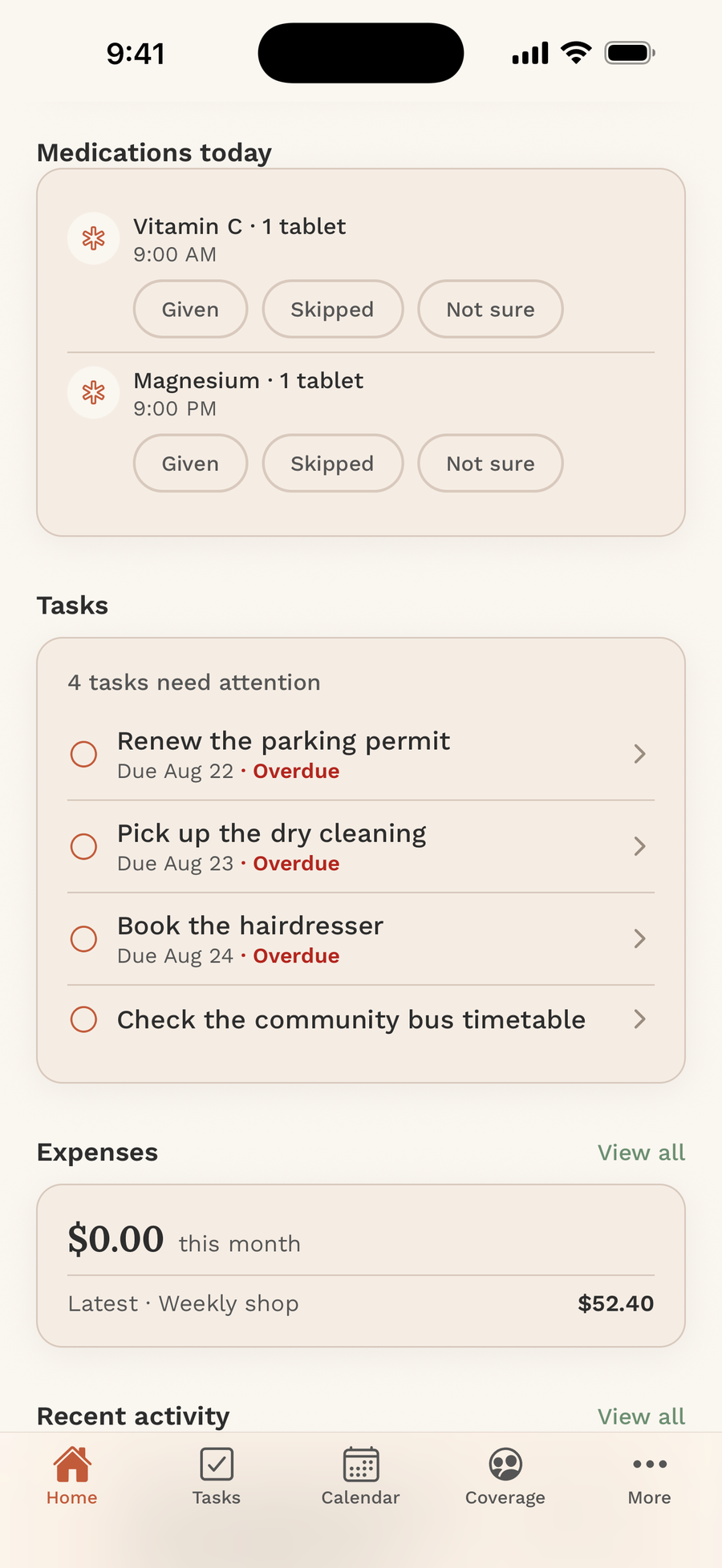
That's honestly why I built FairNest — my own app. Our family kept "telling everyone" and somehow telling no one, and I wanted one shared place where an update couldn't get buried. In FairNest, the shared Nest holds updates and handoff notes alongside tasks, coverage, and med tracking, so the person covering tomorrow sees Tuesday's news without scrolling through Thursday's emojis. You can see how it works at getfairnest.com.
Close the loop with one reply that counts
One last habit, and it's the cheapest of all: when you read an update, say so in a way that means something. Not a thumbs-up emoji — those mean everything and nothing. A real, tiny confirmation: "Read it. I'll use the new time Thursday."
That one sentence does two jobs. It tells the sender they don't need to text you separately (another message saved), and it turns a passive reader into the next informed caregiver. If someone hasn't confirmed by the time their coverage starts, you know exactly who to nudge — kindly, and just once.
Will this work perfectly the first week? No. Someone will still drop an update into the chat out of habit. Gently move it: "Putting that in our notes so Thursday-you can find it." Habits beat intentions, and this one only has to stick a few times before everyone feels the difference.
Bottom line
Bottom line: your family is probably sharing plenty — the information is just drowning in the group chat. Three buckets, three lines, one home for updates, one real reply. Start tonight with the very next update, and the news will finally reach the person who needs it.
The news was never the problem
Your family is probably sharing plenty. The information exists — it's just drowning. Three buckets, three lines, one home, one real reply. That's the whole system, and you can start it tonight with the very next update.
If your family's care news still lives and dies in a scrolling chat, FairNest is the shared Nest I built for exactly this: updates, handoff notes, tasks, and coverage in one place the whole family can find. You can download it here: https://apple.co/4xRXJuq or on Google Play at https://play.google.com/store/apps/details?id=com.bizvizorllc.fairnest
And I share more of these small, practical communication habits on Instagram at https://www.instagram.com/fairnestapp/ — come say hi.